Turn your photo into a cartoon avatar, sticker pack, or expression grid
Pick what you want to create, upload one photo, and get a polished result in minutes.
Prompt Composer
Describe or paste a custom style
We will refine your description or use your prompt, then open the style instantly.
1 Credit
Input type
Creative variations
Variations influence the final output. Turn off for more stable results.
This will spend 1 credit and open your new style.
What do you want to create?
Choose the result first. We will guide you to the right style path.
Best results start with the right photo
Most quality issues come from input mismatch, not style quality. Check this before you generate.
Best for
- Clear single-person portraits
- Front-facing photos
- Good lighting with visible facial details
- Simple background and low noise
Not ideal for
- Blurry or low-resolution images
- Group shots with tiny faces
- Heavy occlusion (hands, masks, sunglasses)
- Very dark photos with strong compression
See what your photo can become
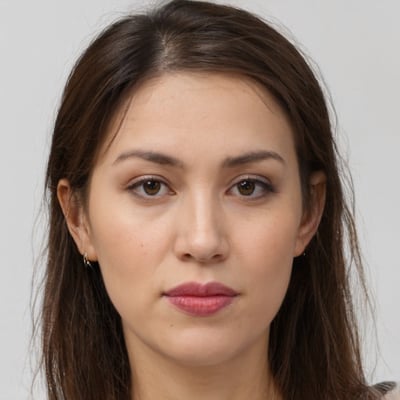
Compare an input portrait with generated outputs for each high-intent task.


Explore popular styles
Browse a small curated set first, then jump to the full style directory.
Start free, then scale when you need more output
Free gives you a real first run. Paid tiers add more credits, faster queue, and pro workflows.
Frequently asked questions
Quick answers before your first generation.
What are credits and how are they used?
Credits pay for each generation. Right now 1 generation = 8 credits. Track your balance in Pricing or read Models & subscription.
How many free credits do I get per day? Do they roll over?
Free gives 9 credits per day and resets daily — unused credits don’t roll over. See Pricing for details.
What does credit rollover mean? What’s the cap?
Rollover lets unused monthly credits carry into next month, up to a cap (one month of your plan). Free has no rollover. Example: Pro can carry up to 2,640 credits. Details on Pricing.
What is the generation queue? What’s different by plan?
Queue priority controls how fast your jobs run: Free is standard, Creator/Pro are fast, Studio is highest priority. Learn more on Pricing.
Which photos work best?
Clear, front-facing photos with good light perform best. See the tips in Getting started.
How do I choose an effect vs a style?
Start in the Effects directory, then compare presets in Choose Effects & Styles.
Where do I manage results and downloads?
Pick your first result and start now
Avatar, stickers, or expression grid. Choose one path and generate your first output.